Creekbench
GRITDECK
An iPad editor and companion for the HUSH-X PRO, over USB.
Coming soon — beta testing
Creekbench
An iPad editor and companion for the HUSH-X PRO, over USB.
Coming soon — beta testing
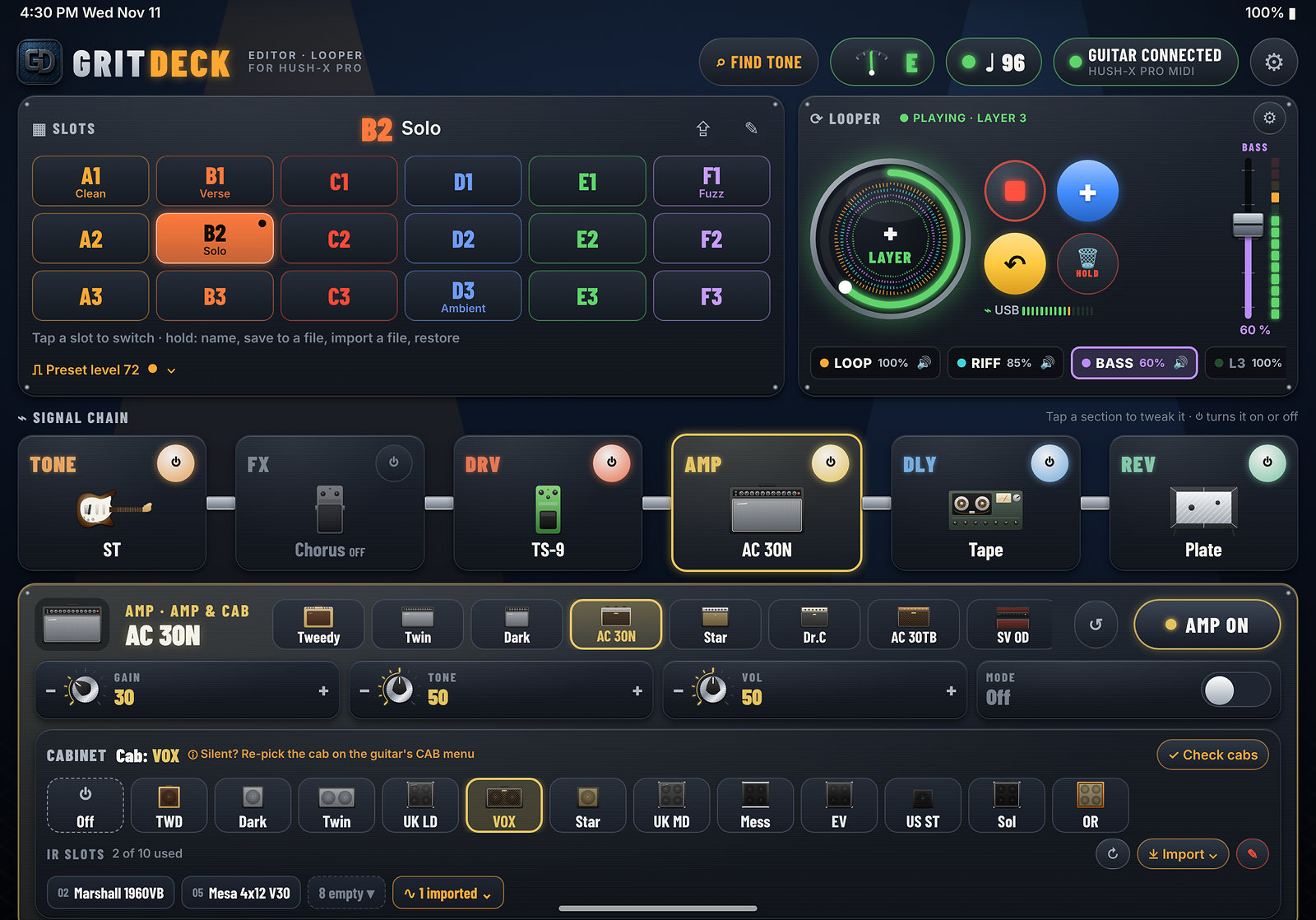
Edit and save the guitar’s presets from the iPad. Import and share preset files in the .hhx format.
A tuner that listens to the guitar over USB so you can get in tune without a separate box.
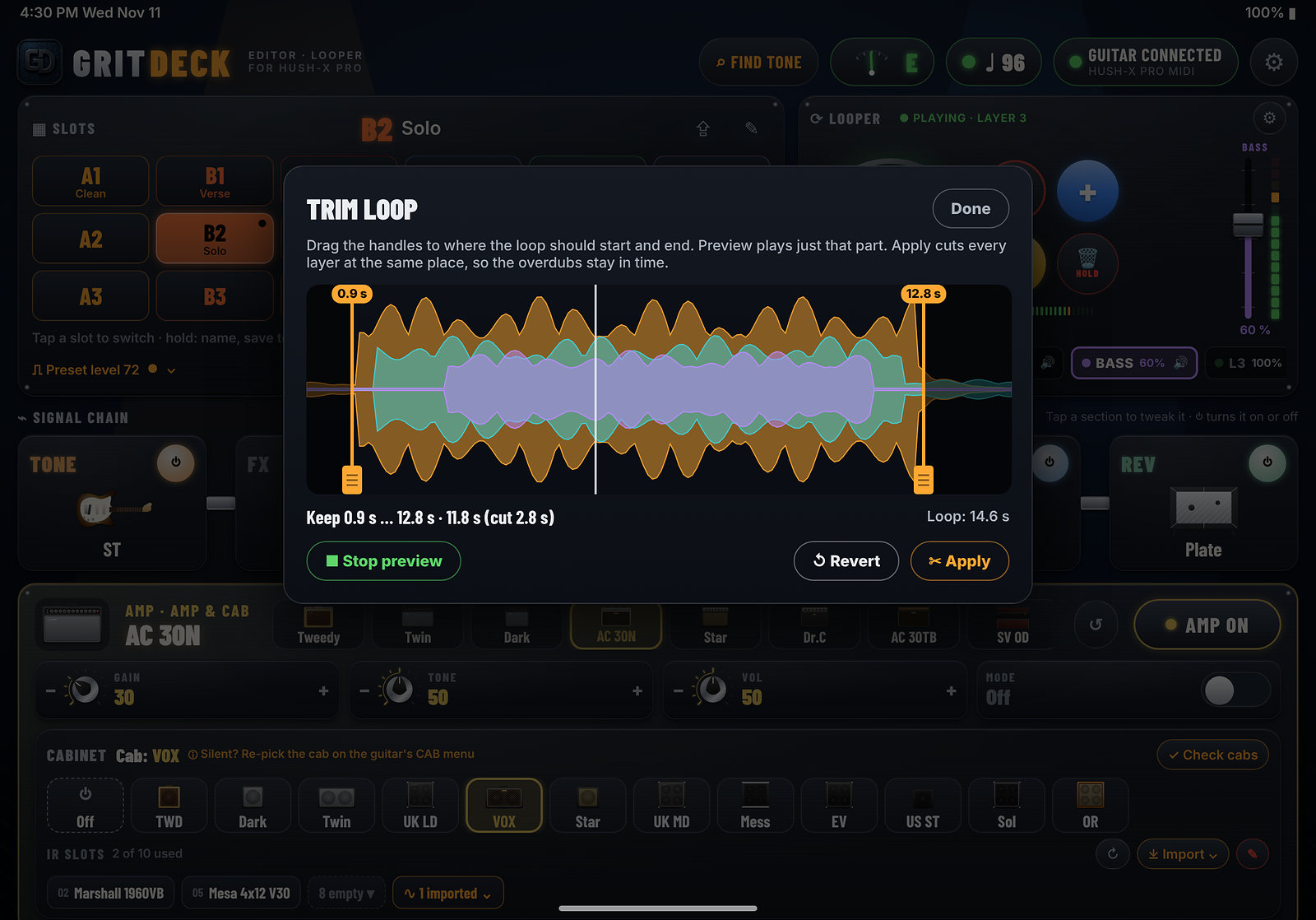
Record, layer, and trim loops on the iPad while the guitar stays plugged in.
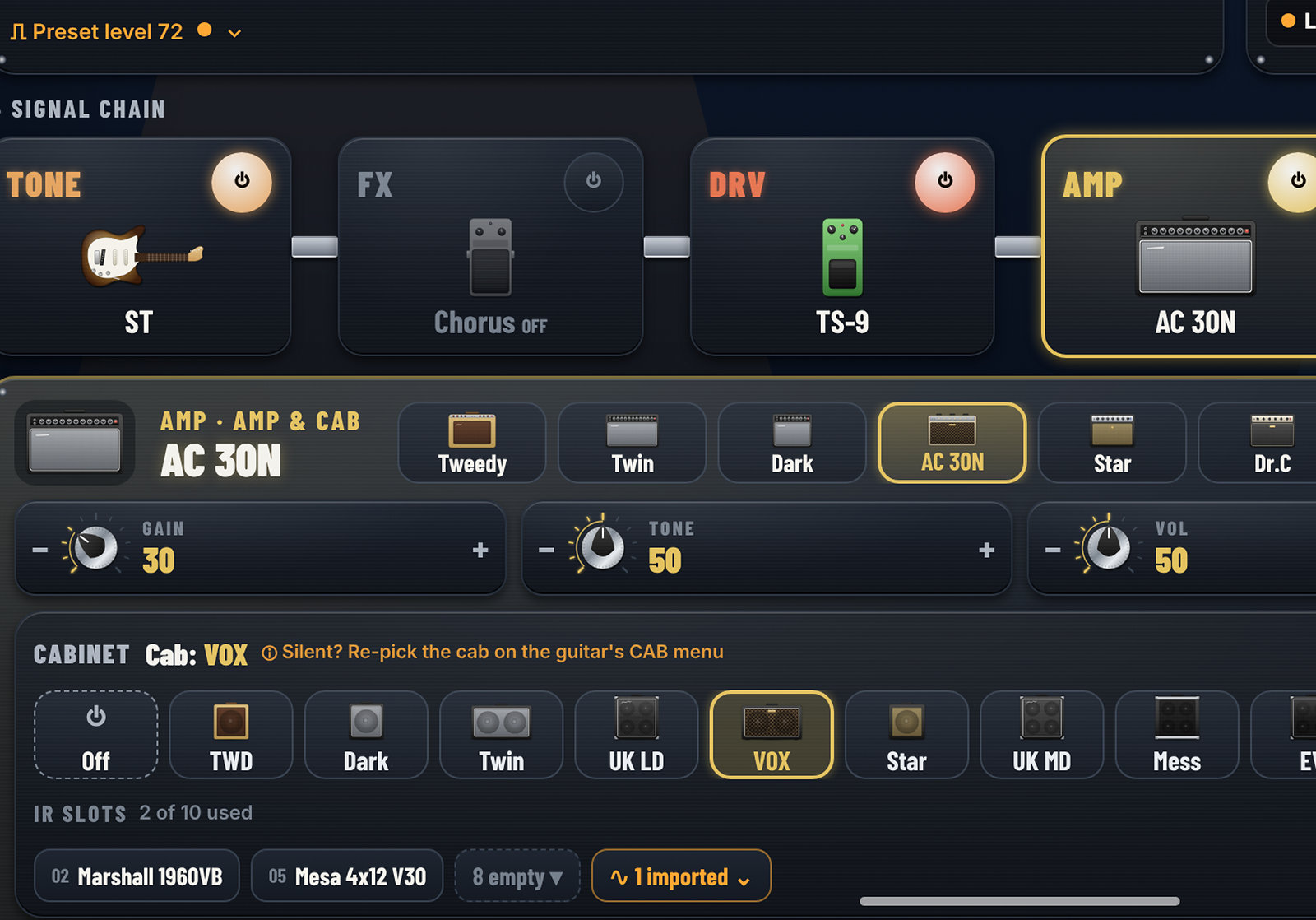
Choose amp models and cabinets, and turn them on or off from the same screen.
Shape the tone with the guitar’s EQ and related controls, without menu-diving on the body.
See the path — tone, effects, drive, amp, delay, reverb — and tap a block to tweak it.